
Move anchors directly
Drag endpoints on the canvas, nudge them from the keyboard, or type exact values into the command table.
Point-level SVG editing
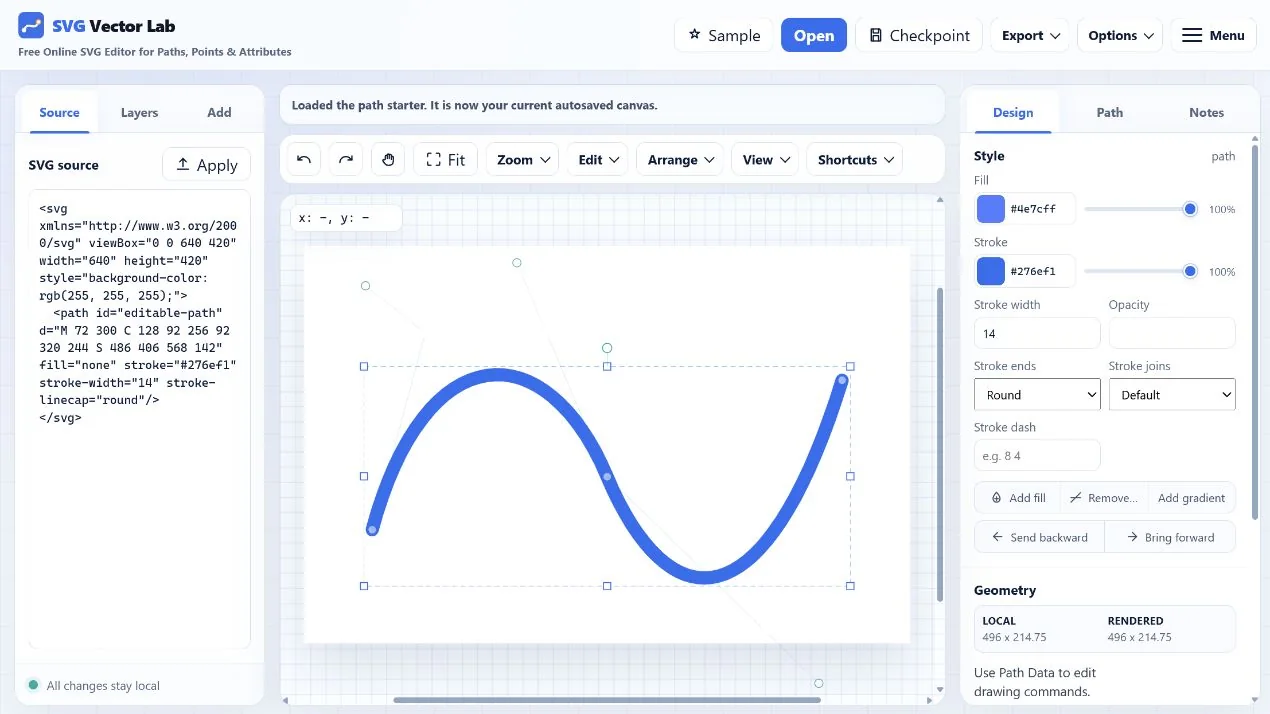
Select a path to reveal its anchors and control handles. Drag visually, enter exact coordinates, normalize commands, and watch the underlying d attribute update as you work.
Built for path work
Drag endpoints on the canvas, nudge them from the keyboard, or type exact values into the command table.
Adjust cubic control handles and see how their angle and length change the curve.
Work with M, L, H, V, C, S, Q, T, A, and Z commands instead of a proprietary path format.
Manipulate paths inside transformed groups while keeping coordinates and selection behavior connected.
A focused workflow
Try the differentiator
A prepared curve opens with real path data so you can begin moving points immediately.
Edit an SVG path