
Browser-based SVG converter
Convert SVG to PNG online—without uploading your artwork.
Open an SVG, inspect or edit it on the canvas, choose a PNG resolution and optional background color, then download the rendered image. Conversion happens locally in your browser.
- 1× to 8× export
- Optional background
- No signup
- No file upload
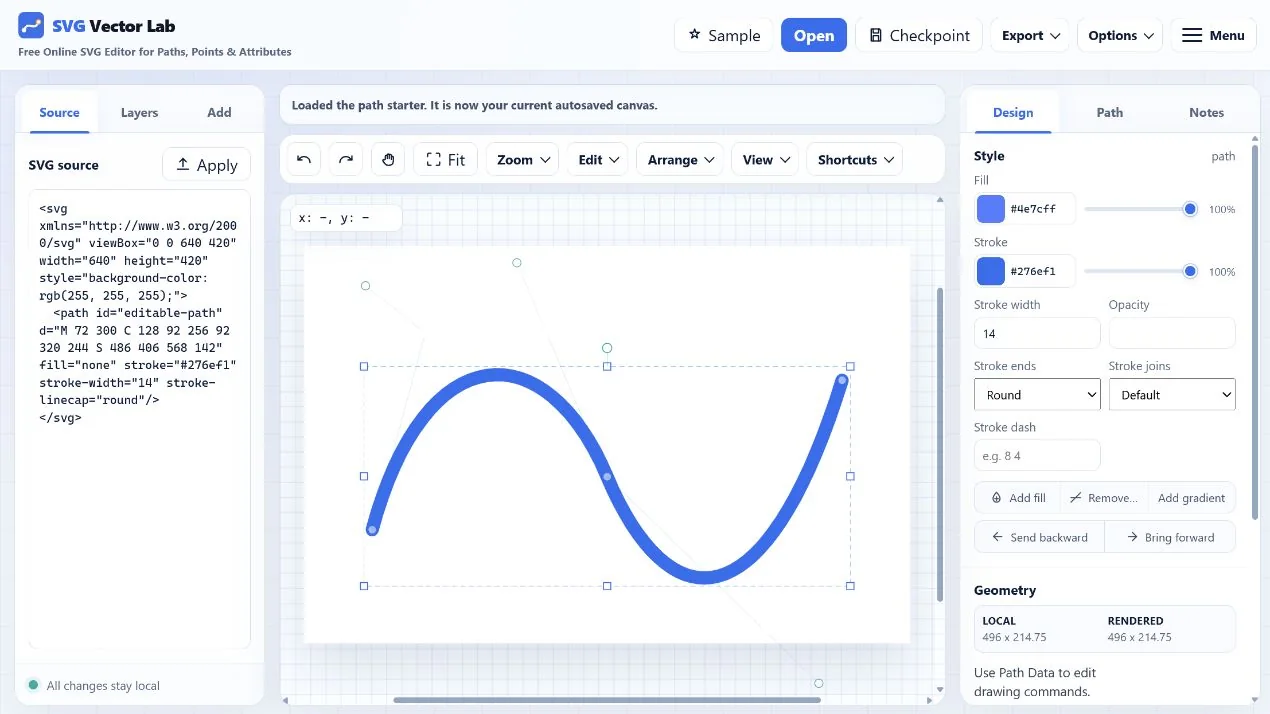
How to convert SVG to PNG
Three steps from vector to raster.
- Open your SVG. Choose a file, paste markup, or use the prepared sample.
- Set the output. Pick 1×, 2×, 4×, or 8× and choose whether the PNG needs an opaque background.
- Download PNG. The browser renders and saves the image without sending the artwork to an application server.
Convert now
Start with a PNG-ready sample or open your own SVG.
The editor opens with export controls ready and preserves standard SVG throughout the workflow.
Convert SVG to PNG