
SVG shape-to-path converter
Convert SVG shapes to editable paths online.
Turn rectangles, circles, ellipses, lines, polygons, and polylines into equivalent SVG path commands. Then edit the resulting points and curves without leaving the browser.
- Six shape types
- Presentation preserved
- Immediate point editing
- Standard SVG output
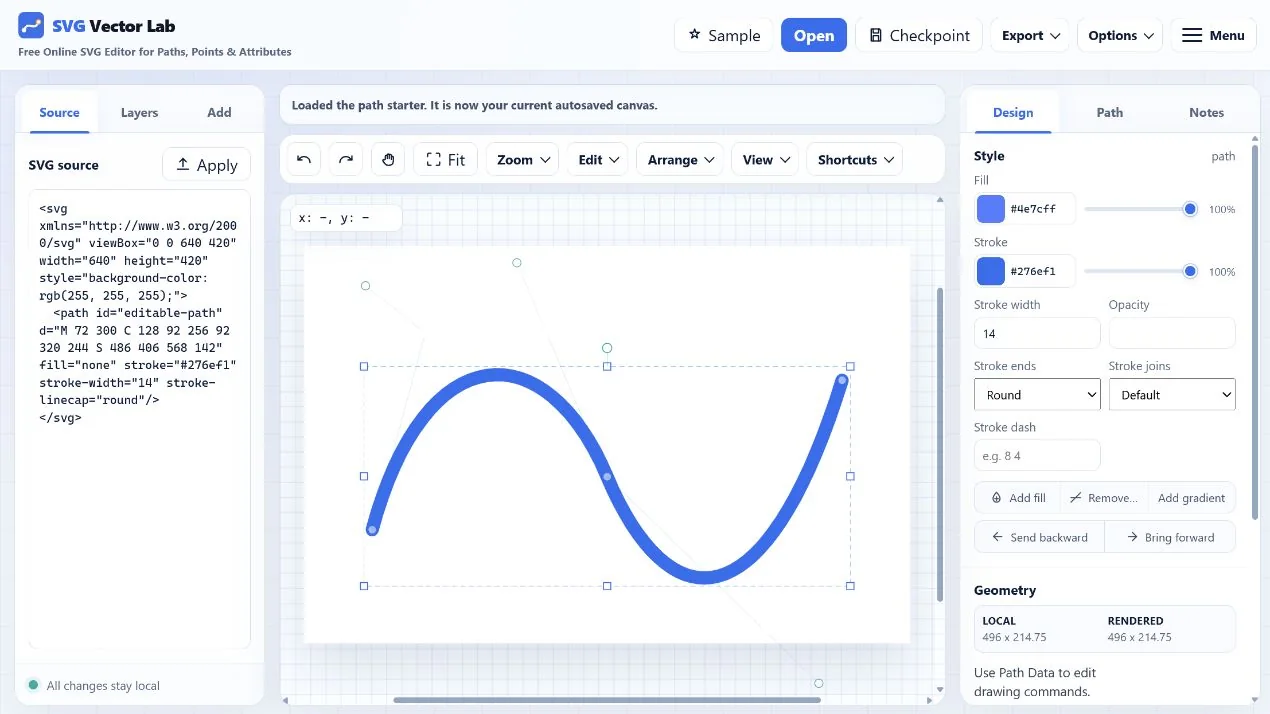
How conversion works
Select a shape, convert it, then refine the path.
- Open an SVG. Select a supported rect, circle, ellipse, line, polygon, or polyline.
- Choose Convert to path. The element becomes a standard
pathwith equivalent geometry. - Edit or export. Move points, change commands, and download ordinary SVG markup.
What stays intact
Geometry changes representation; presentation remains editable.
The converter preserves relevant fill, stroke, opacity, transform, class, identifier, and other attributes. The result uses standard SVG path data, so it can be copied, downloaded, optimized, or opened in another compatible tool.
For command-by-command editing after conversion, continue with the online SVG path editor or the path editing guide.
Try the workflow
Start with a rectangle, circle, and polygon.
The prepared SVG makes it easy to compare the original shapes with their converted paths.
Convert shapes to paths