
Portable SVG text
Why SVG text changes font after export
Check the font dependency and the destination before changing text geometry.
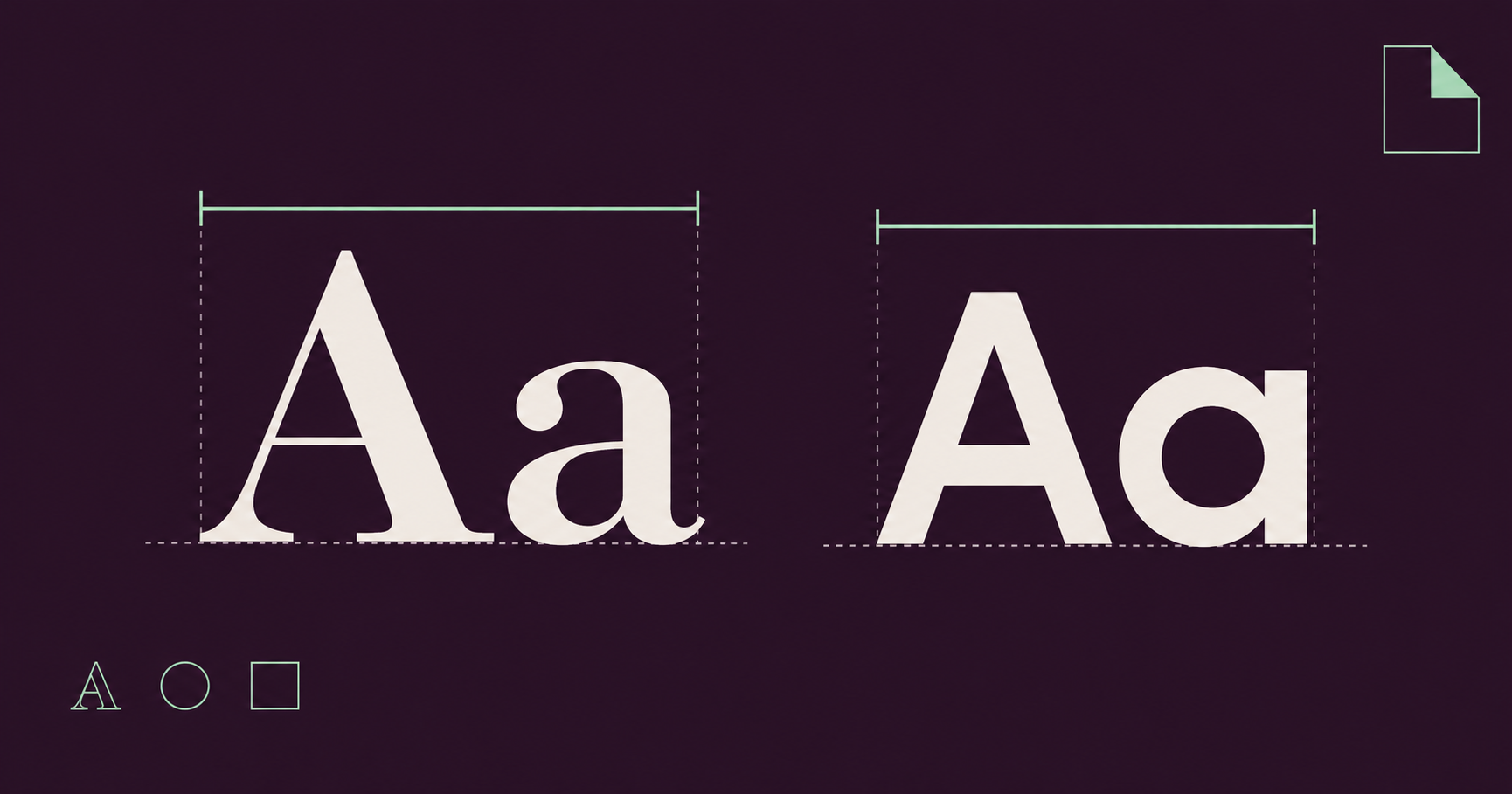
A font name is a dependency, not a font file
An SVG text element can name a font without containing that font. If the receiving environment cannot use the requested face, the text can render differently. Start by checking the font-family, weight and style, then test the exact exported file in its intended destination. Do not treat a correct preview in one tab as proof of portable typography.
MDN’s font guide explains how SVG text can use CSS font selection and web-font declarations. Those mechanisms describe how a font is requested. They do not make every SVG self-contained or guarantee that a receiving application supports the same loading context. Keep the original source while investigating the exported copy.
Use a minimal text example to isolate the change
The example below uses an explicit family list with a generic fallback. It is deliberately self-contained and does not request a remote font. The exact glyphs may still differ between systems because the available sans-serif face can differ. The x and y coordinates set the text position; they do not lock the shape or width of the letters.
Open a copy, change only the first family name and compare the line width and baseline. If text now collides with another object, inspect the available space before adjusting the overall viewBox. A font substitution can change text geometry even when the canvas dimensions have not changed.
<svg xmlns="http://www.w3.org/2000/svg" viewBox="0 0 360 90">
  <text x="20" y="58" font-family="Arial, sans-serif"
        font-size="36" font-weight="400" fill="#243047">
    Autumn notes
  </text>
</svg>
Test the same embedding context as the destination
An SVG viewed directly in a browser is not necessarily rendered under the same restrictions as an SVG loaded by an HTML img element or used as an image for canvas drawing. MDN documents image-context restrictions, including limitations on loading external resources. That matters when a design depends on a stylesheet or another resource outside the file.
Make a small destination test with the actual exported SVG. Compare it as an image in the consuming page or application, not only in a browser tab. If the destination cannot load a dependency, repair the delivery plan rather than assuming that another export of the same source will make the dependency disappear.
Check what SVG Vector Lab preserves
SVG Vector Lab’s importer removes style elements and external-resource mechanisms as part of sanitisation. A font declared inside a style block can therefore stop applying after import. For supported plain text, explicit font-family and other presentation attributes are easier to inspect, but they still depend on a usable font at the destination.
Do not use this editor as a promise of full web-font embedding or text-to-outline conversion. Inspect the exported source and retain a private original before making changes. A source file that once contained a remote font rule may no longer contain that rule after sanitisation; a missing dependency and a malformed path require different fixes.
Choose editable text, outlines or pixels deliberately
Keep text as text when later wording changes, selection or text semantics matter, and agree on how the necessary fonts will be available. If another application converts glyphs to vector paths, inspect the result and preserve an editable text source separately. Outlining changes the editing and accessibility characteristics; it is not simply a stronger font-family declaration.
A PNG records a raster rendering at the chosen dimensions. It can be suitable when the recipient needs a fixed visual result, but it does not preserve SVG text or vector editing. Open the downloaded PNG independently and inspect the actual appearance. A successful download says nothing about whether the intended font was available at rendering time.
Check the font’s licence before embedding or redistributing font data. This guide does not grant rights to any font, and naming a face in source does not establish those rights. Choose the delivery format from the recipient’s task instead of promising every benefit in a single file.
Finish with a two-file comparison
Keep the exported SVG beside a reference rendering and compare wording, line width, baseline, clipping and spacing in the destination. Include the expected font and any unresolved dependency in the handoff note. If the recipient needs editable text, verify that capability explicitly rather than substituting a screenshot without explanation.
Research checked October 13, 2026 against MDN and the current editor sanitiser. Browser support, installed fonts and receiving applications vary. The useful acceptance test is the exact file in the actual consuming context.
Inspect a copy in the SVG editor, check outer framing with the viewBox guide, and review the PNG export workflow.